How it works
From a phone photo to the right size.
No app to install, no special hardware. A customer photographs their foot on a sheet of paper; the engine measures it in millimeters and matches it against the last each shoe was built on.
Three steps. We handle the rest.
A sheet of paper is the only reference the scan needs — its known size calibrates the measurement. Place it, step on it, photograph from above.
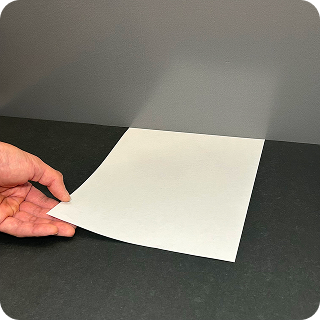
01 · Place the paper on the floor
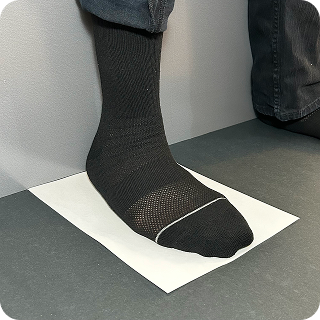
02 · STAND WITH YOUR FOOT ON IT, HEEL TOUCHING THE WALL
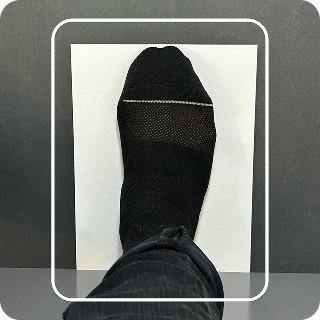
03 · Line up in the frame, photograph from above
01 · Place the paper on the floor
02 · STAND WITH YOUR FOOT ON IT, HEEL TOUCHING THE WALL
03 · Line up in the frame, photograph from above
Scan · Measure · Match · Recommend
What happens after the photo.
01 · Measure
The server extracts millimeters.
The photo is processed to pull the measurements that actually determine fit — length, width, girths, and arch length.
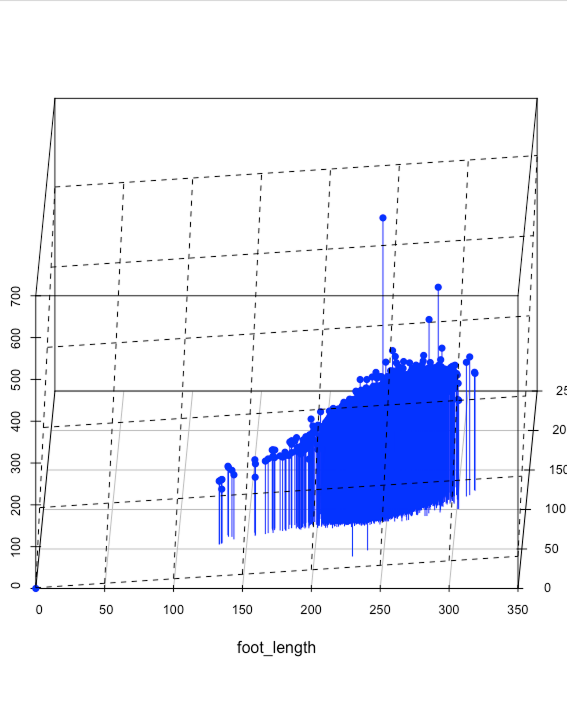
02 · Match
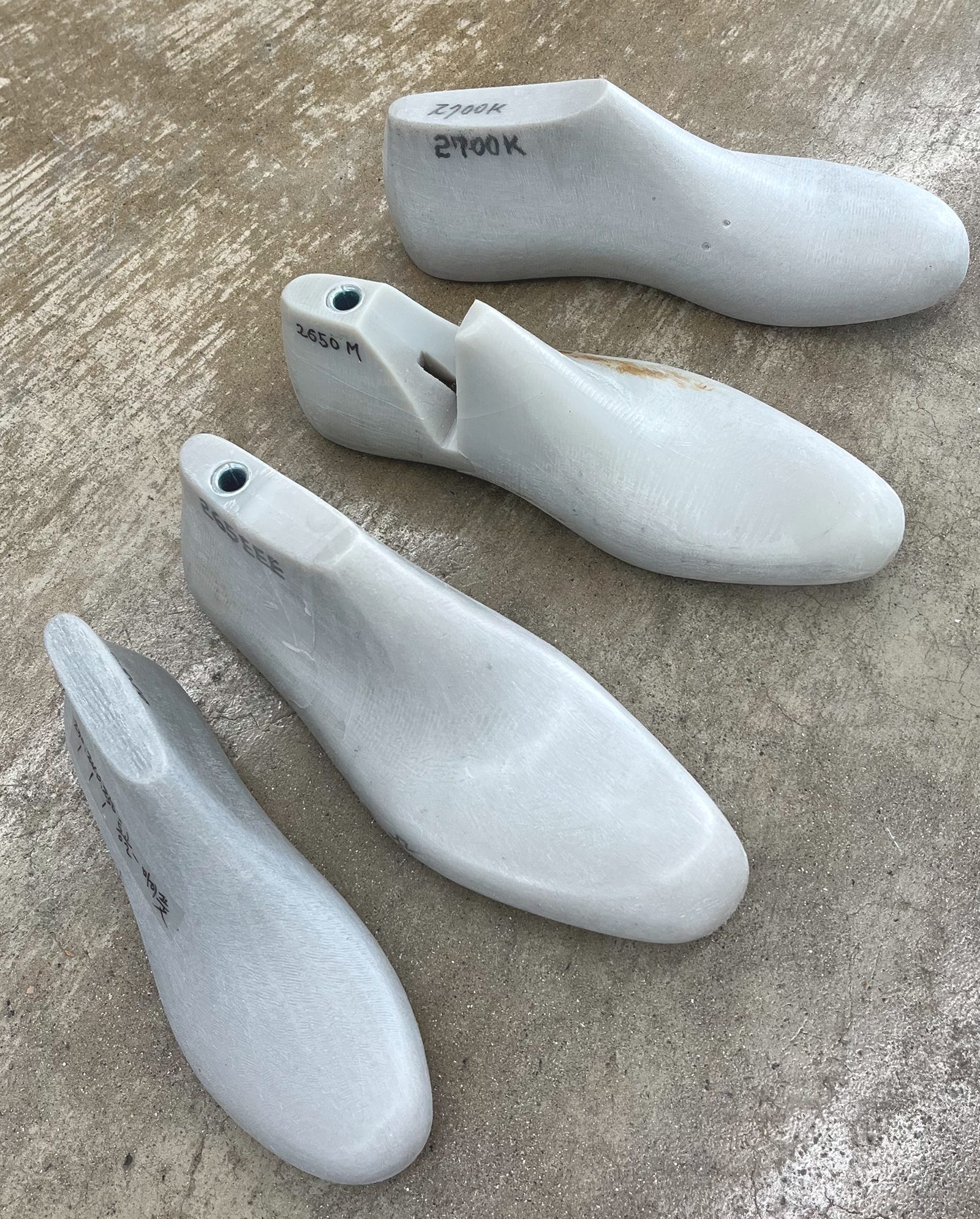
Measurements meet the last.
The foot is compared against the last each shoe was built on — the same geometry the factory used — so the fit reflects that specific model, not a generic size chart.
03 · Recommend
A size, and how it will feel.
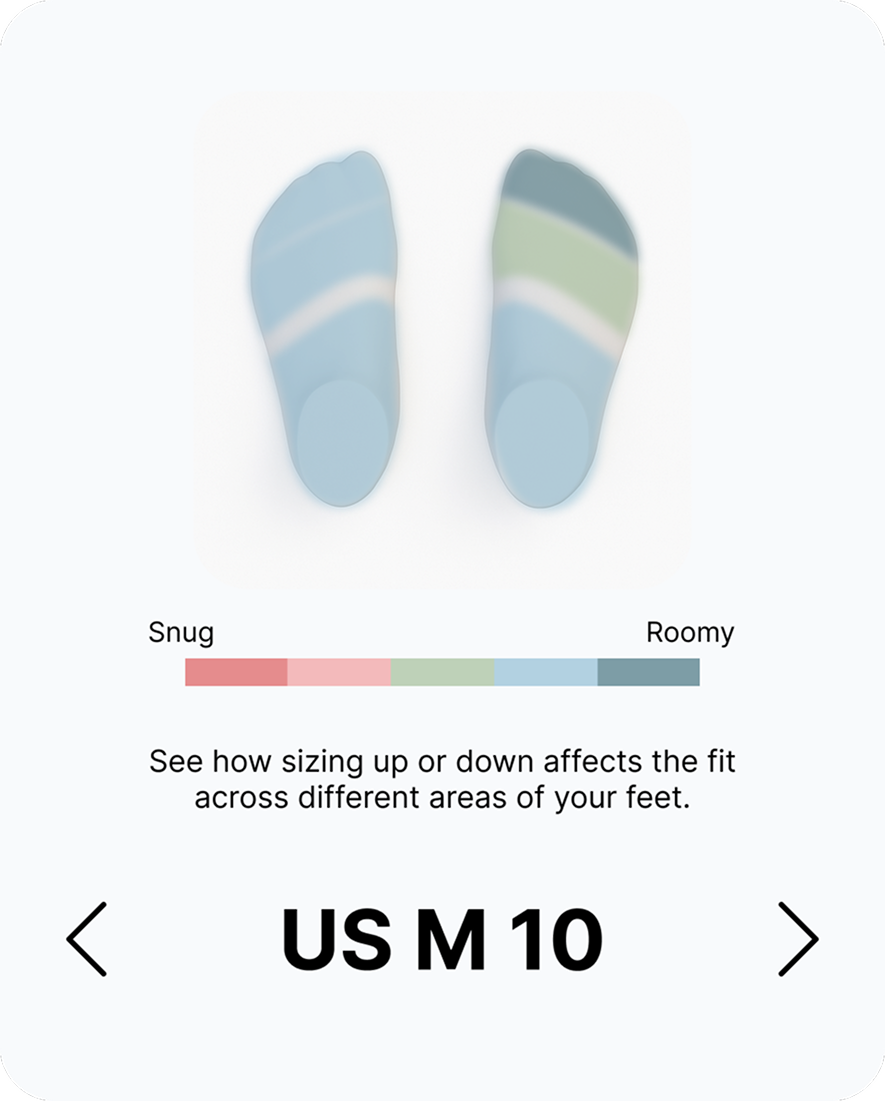
The customer sees a recommended size and a snug-to-roomy preview across the scale, so they can size up or down on purpose instead of by guess.
SNUG → ROOMY
WHAT IT MEASURES — AND WHAT MORE WE OFFER
MatchUp measures static fit — your foot's dimensions against the shoe's interior. Those measurements capture how your foot sits and flexes inside the shoe, but they don't model your running or walking style. Our running project does. See the running page, where we factor in foot shape and measurements alongside your gait and preferences as a runner.
Feel, measured.
See the sizer running on your own catalog.